
How do I make a professional headshot from a selfie on my phone?
Use OutGlam’s headshot templates. Open a clear, front-facing selfie, tap Templates › Headshots and pick a style, like Office headshot or Studio headshot, and the app makes a head-and-shoulders portrait, made to keep your face, skin tone and hair. Each headshot is one AI edit and costs 1 credit.
Updated October 5, 2026
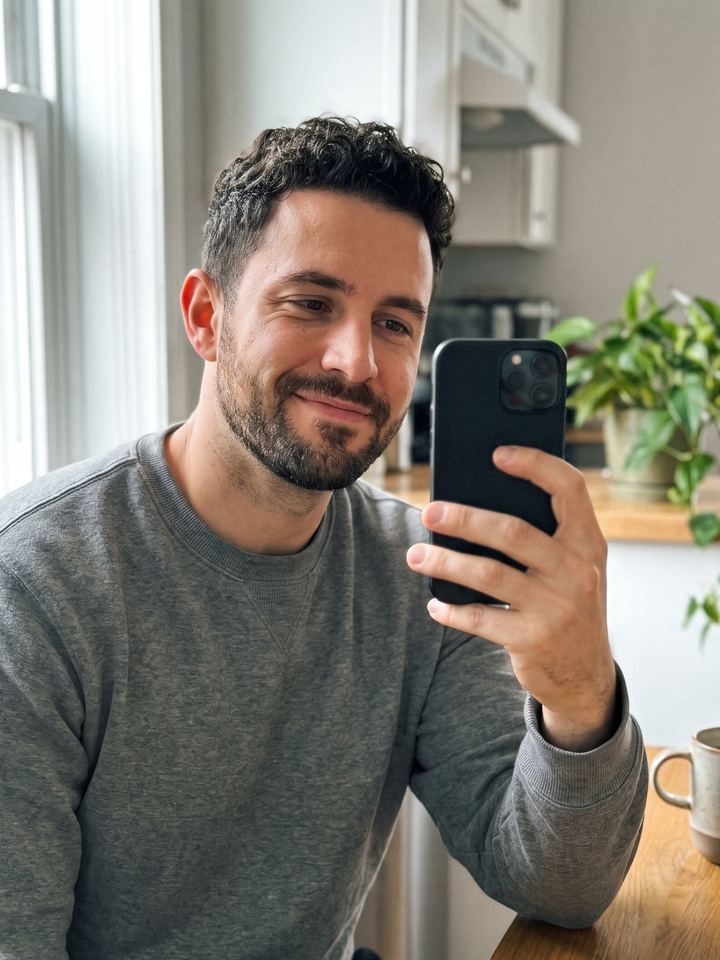
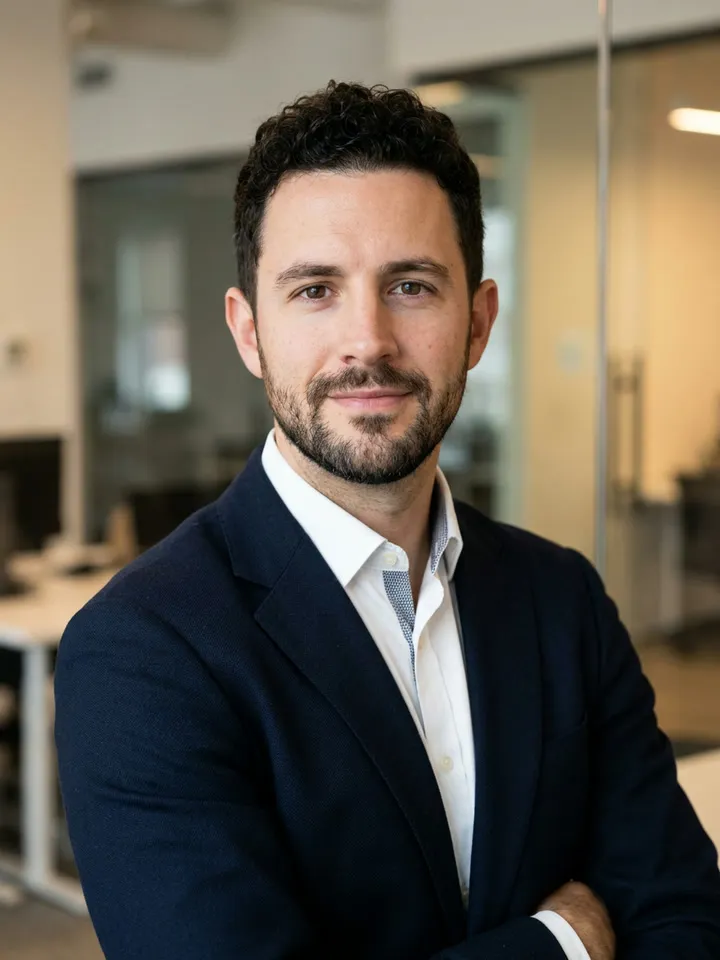
From selfie to headshot in 4 steps
Pick a selfie
A clear, front-facing photo of your face in good light works best. Limited photo access works.
Choose a style
Tap Templates › Headshots: Studio headshot, Office headshot, Outdoor portrait, Dark studio portrait or Friendly profile photo. Or type your own.
See the price, then tap
Each headshot costs 1 credit, shown before you send. New users get a free starter credit.
Compare and keep
Touch and hold to compare with the version before. If it misses, redo it free, up to 3 times in any 7 days.
Five headshots from one selfie
Each portrait below was made from the selfie on the left with one of the headshot templates in the app.

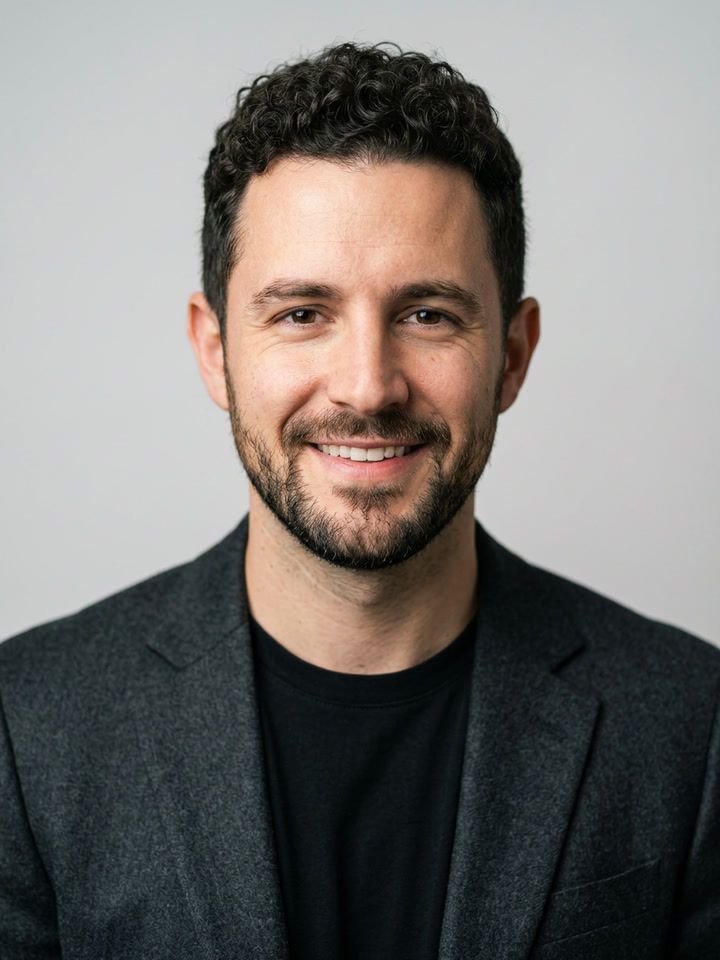
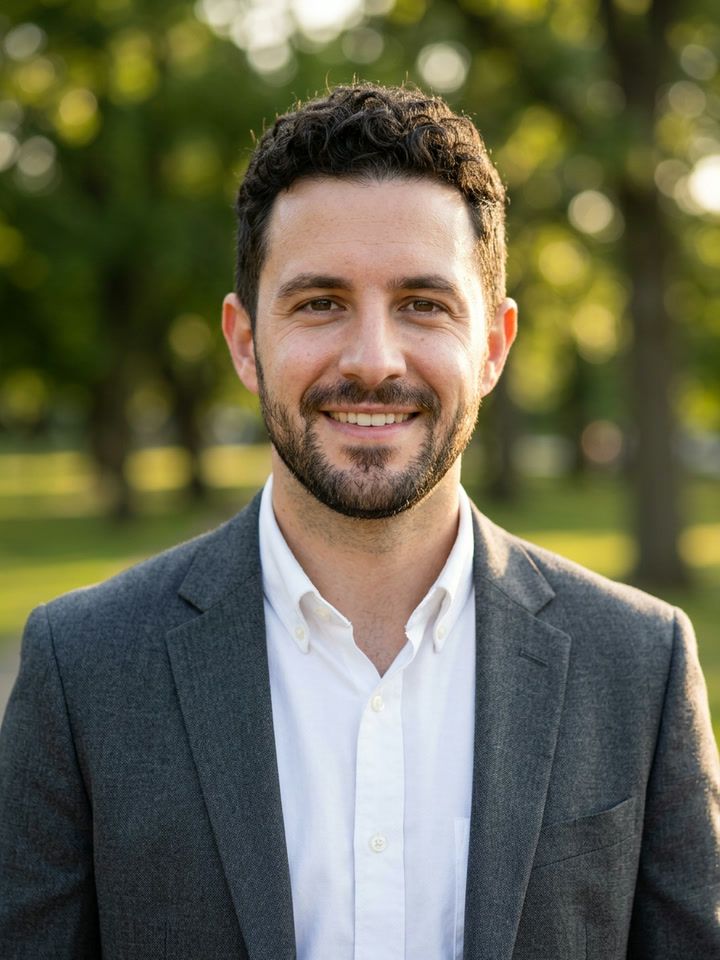
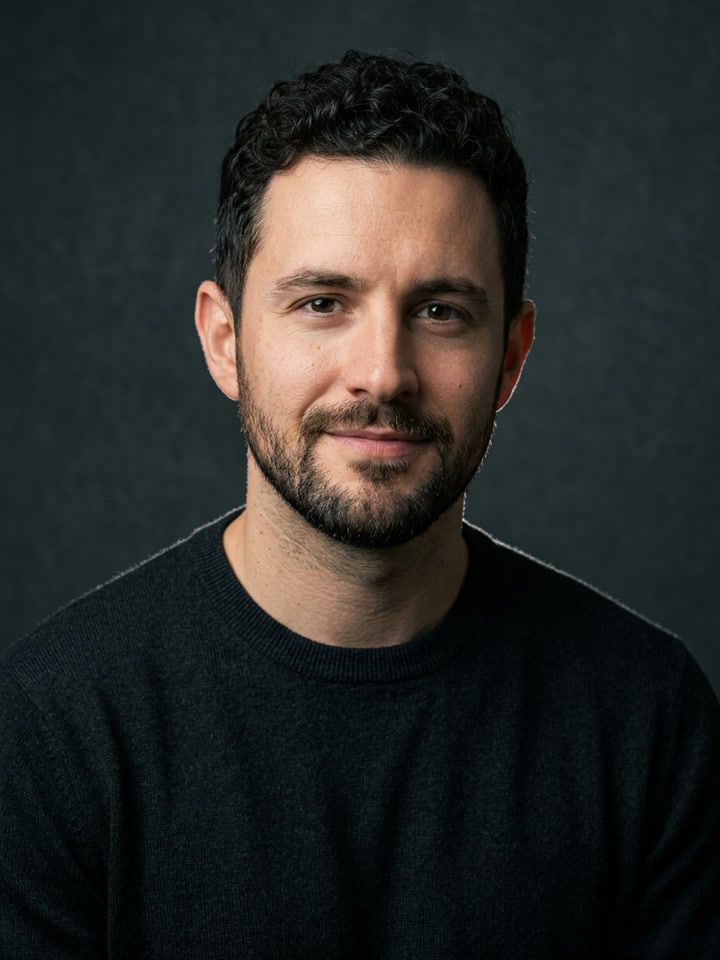
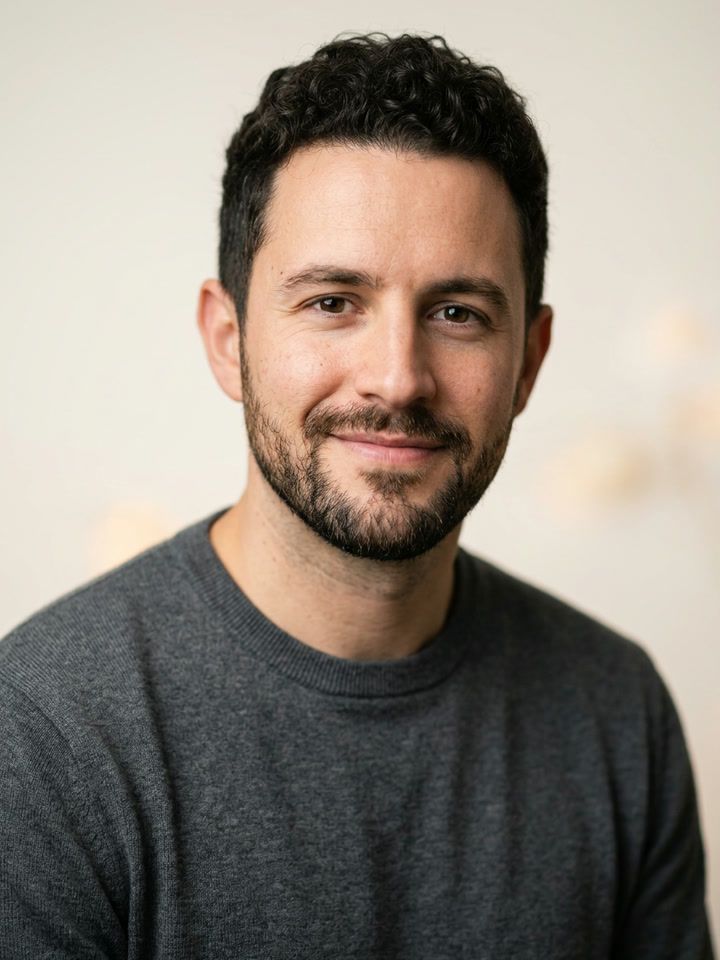
Pick a style or describe one
| Way to make it | Headshot template | Type it |
|---|---|---|
| Best for | A clean, ready-made look in one tap | A specific outfit, backdrop or light |
| How | Templates › Headshots, then pick a style | Write it, like “a navy blazer and a plain gray backdrop” |
| Cost | 1 credit | 1 credit |
What it costs and what it can’t do
What it costs
- 1 credit per headshot. The price shows before you tap.
- New users get a free starter credit. The first headshot is on us.
- Failed and refused edits are never charged, and neither is an edit you cancel before it’s delivered.
- Redo free when a result misses, up to 3 times in any 7 days.
What it can’t do
- It makes a new portrait from your photo. Check that it looks like you before you use it for work.
- A poor selfie gives a poor headshot. Blur, sunglasses or a face turned away make it harder.
- Explicit or hateful edits are refused, and never charged.
- It needs a connection. The photo is uploaded only after you allow it.
Headshot questions
Is the AI headshot maker free?
Each headshot costs 1 credit, shown before you tap. New users get a free starter credit, so the first one is free.
Will the headshot still look like me?
The headshot templates are made to keep your face, identity, skin tone, age and hair the same, with natural skin texture. If a result doesn’t look like you, redo it free, up to 3 times in any 7 days.
Which selfie works best?
A clear, front-facing photo of your face in good light. Sunglasses, hats and strong shadows make it harder.
Can I choose the outfit and the background?
Yes. Pick one of five styles (Studio headshot, Office headshot, Outdoor portrait, Dark studio portrait, Friendly profile photo) or type your own, like “a navy blazer and a plain gray backdrop.”
Are my photos used to train AI?
We don’t use your photos to train AI models. How our AI providers handle them is set out in the Privacy Policy.
Keep going
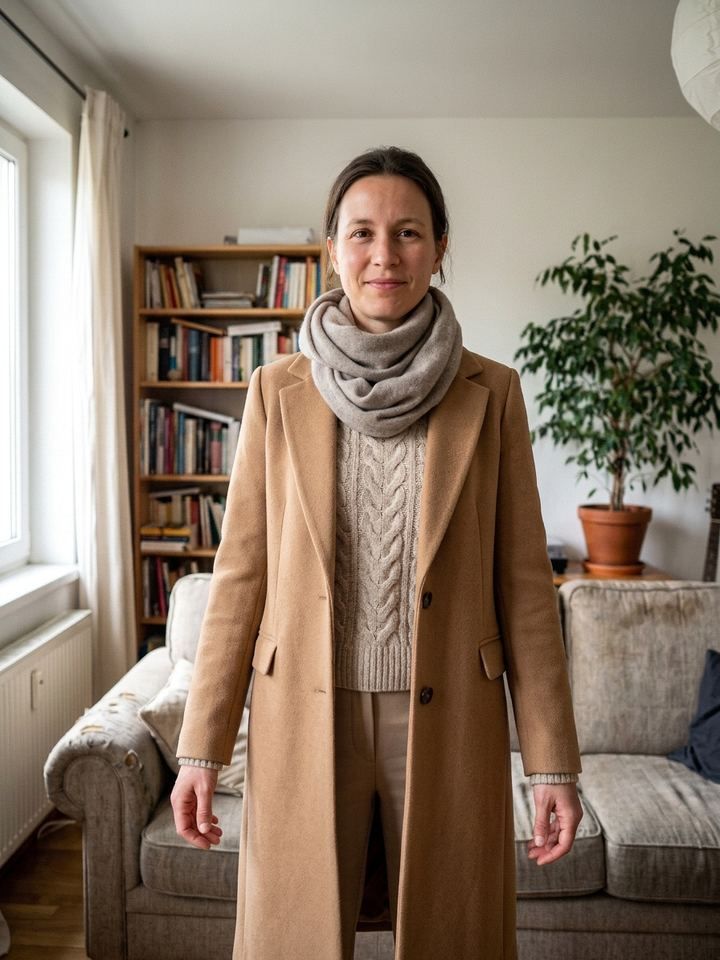
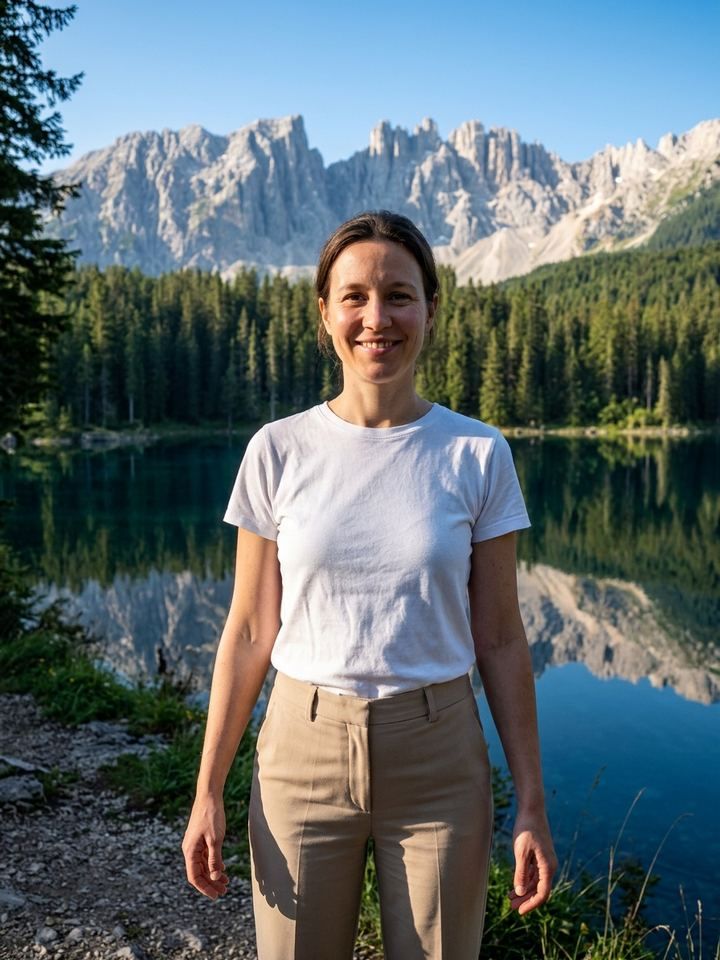

Your next profile photo.
Make your first headshot with the free starter credit.
Download on theApp Store