Can I edit a photo by typing what I want changed?
Yes. In OutGlam, open a photo and type the change in your own words, like “make my T-shirt red,” and the app edits just that, made to keep faces as they are. You can also say it out loud, brush over the area you mean or add up to 3 reference photos. Each AI edit costs 1 credit, shown before you tap.
Updated October 5, 2026
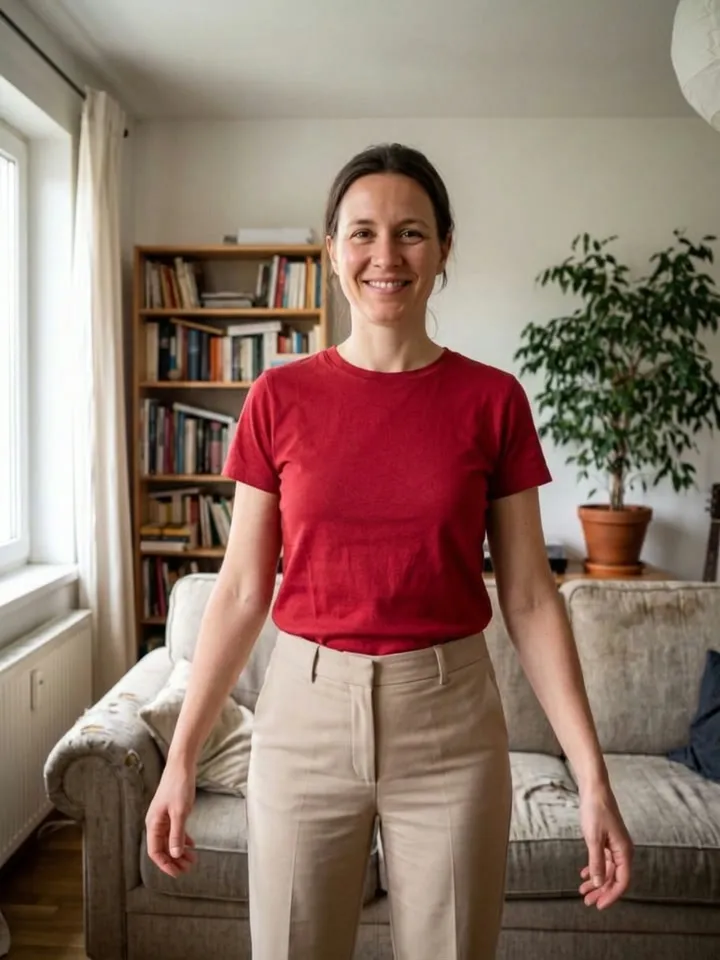
Say it, see it, in 4 steps
Pick a photo
From your library or camera, or start with a sample photo. Limited photo access works.
Say what to change
Type it, or tap the microphone and say it in your iPhone’s language. When your iPhone can recognize it on the device, the audio never leaves your phone. Or tap one of the suggestions.
Point at it, if you like
Brush over the area you mean with Select area, and only that part changes. Add up to 3 reference photos, like a jacket or a place.
See the price, then compare
The cost shows before you send. Touch and hold to compare with the version before. If it misses, redo it free, up to 3 times in any 7 days.
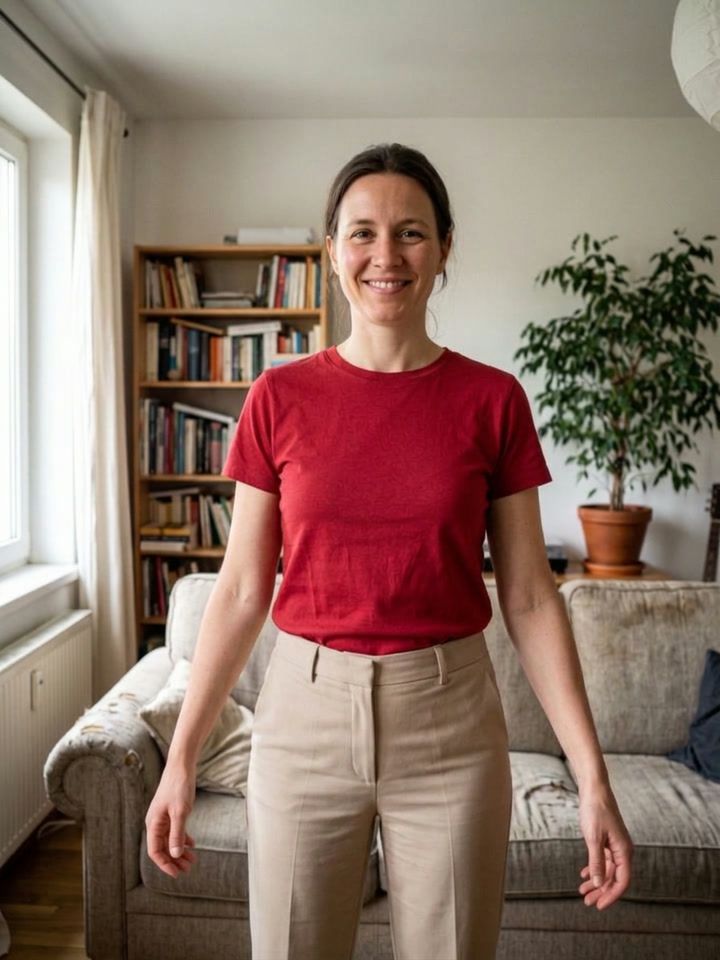
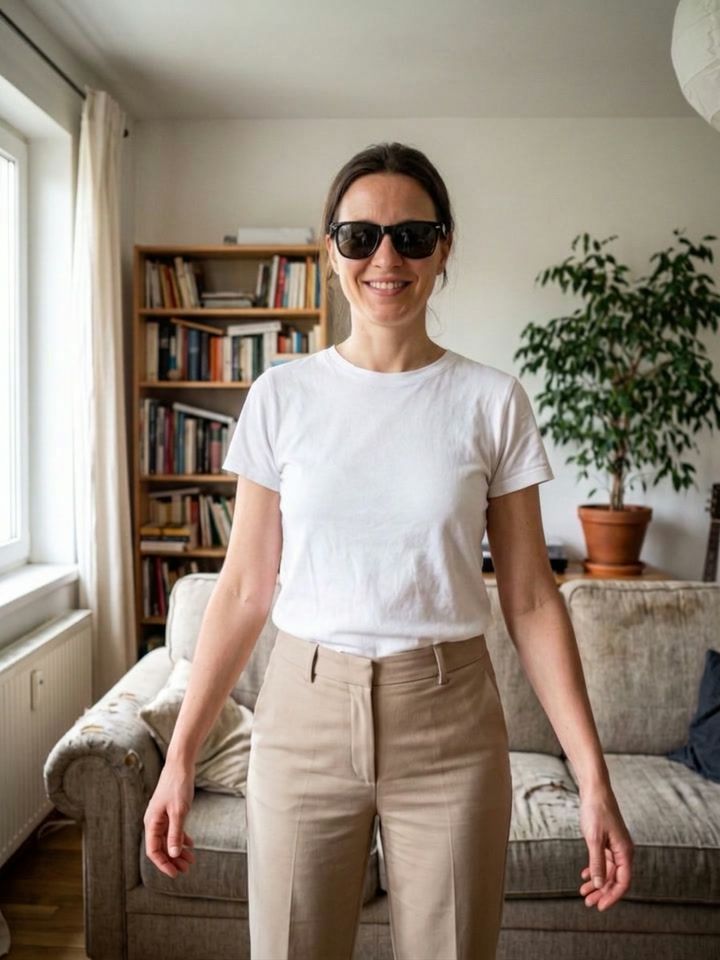
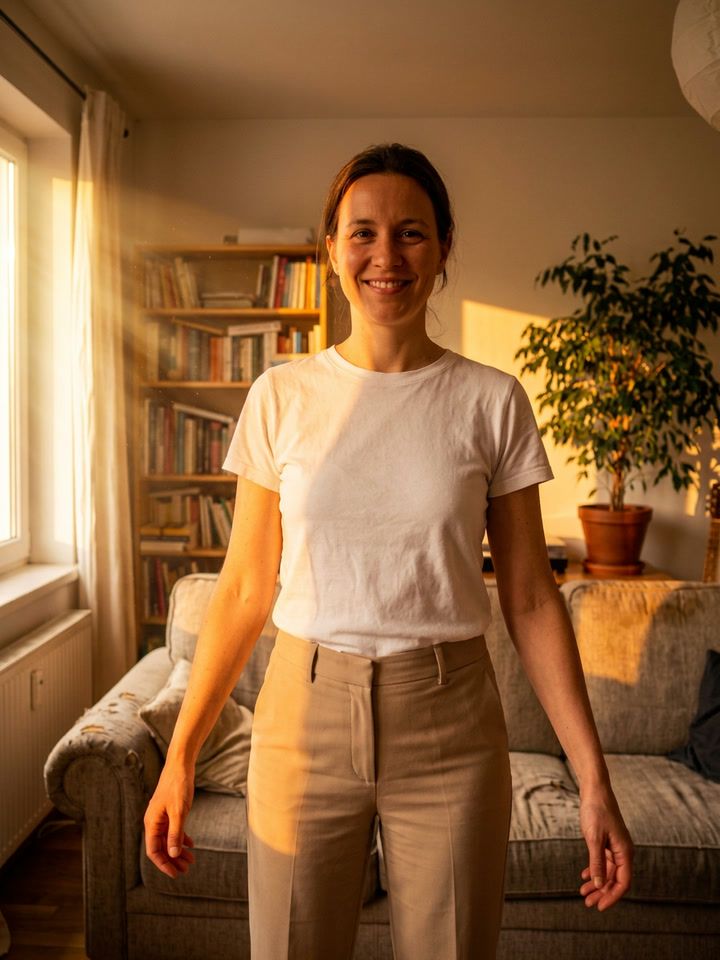
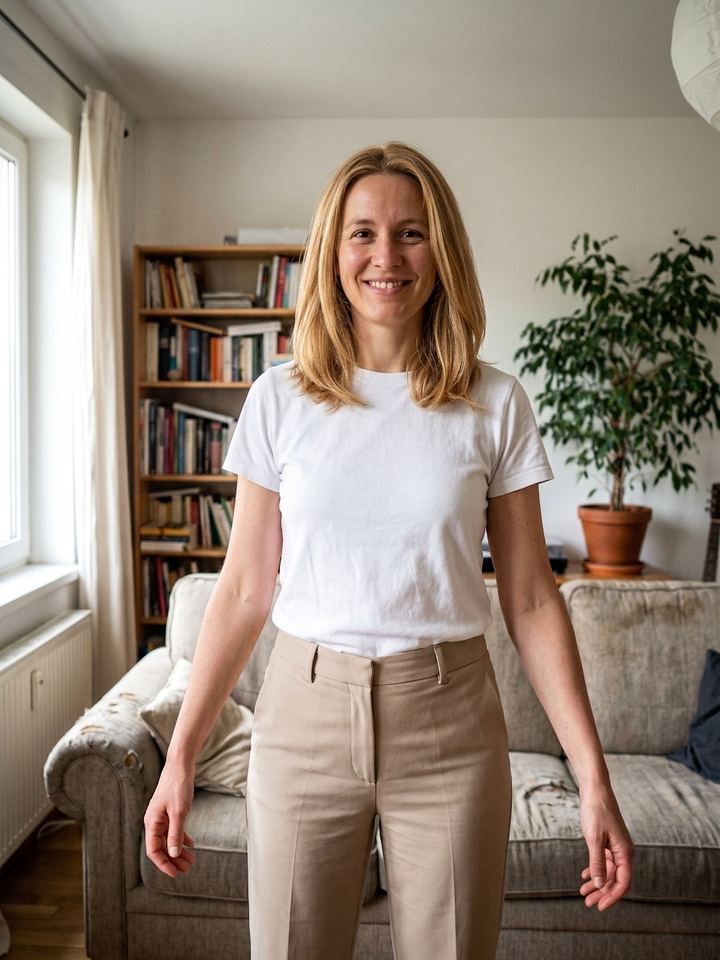
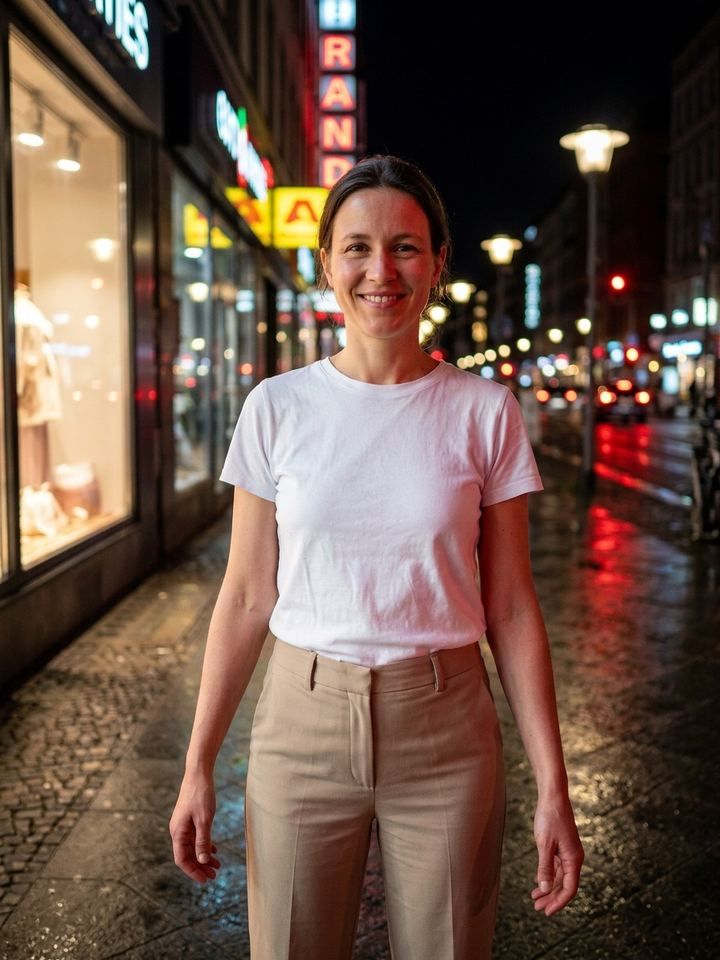
Five edits from one photo
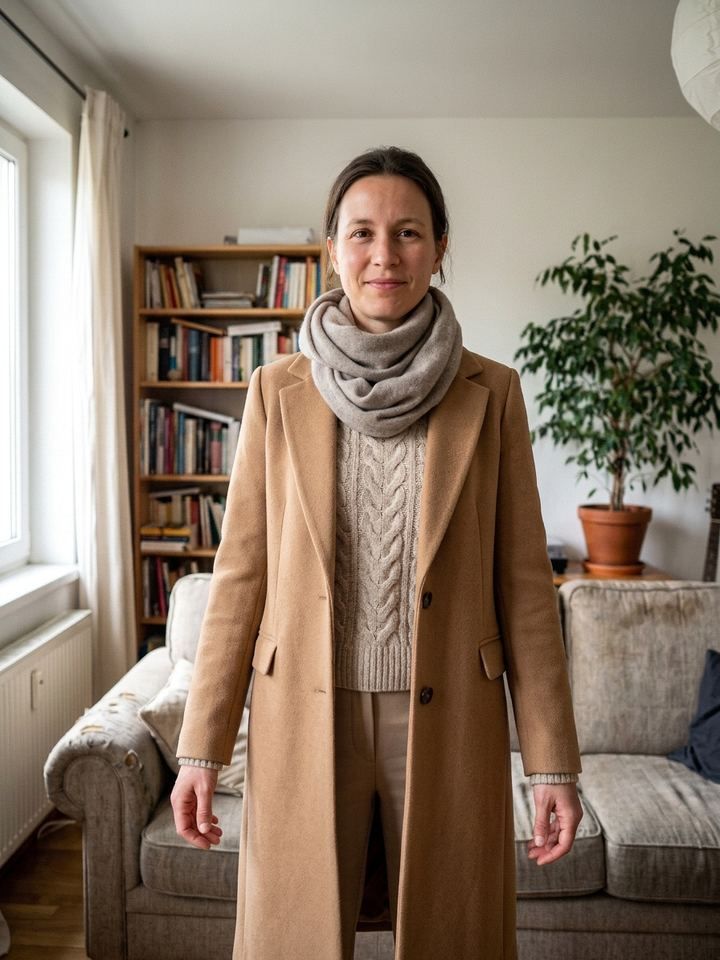
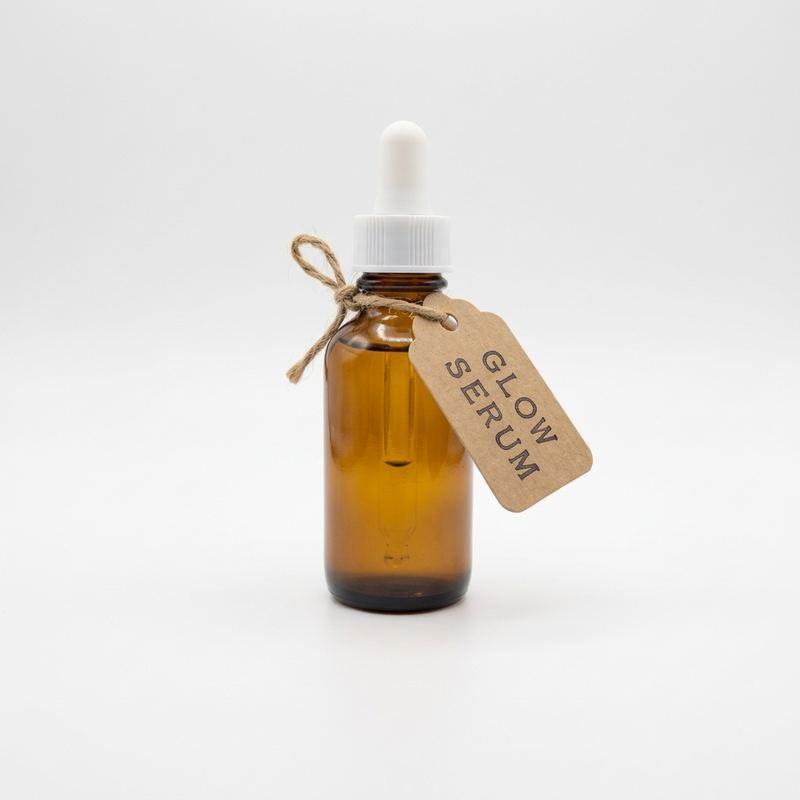
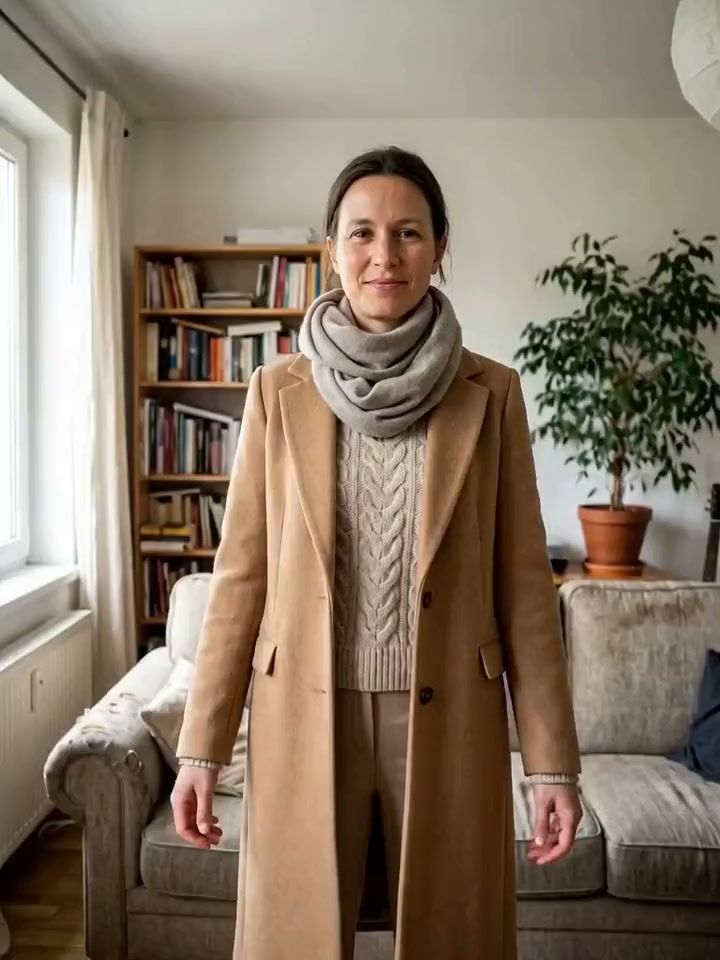
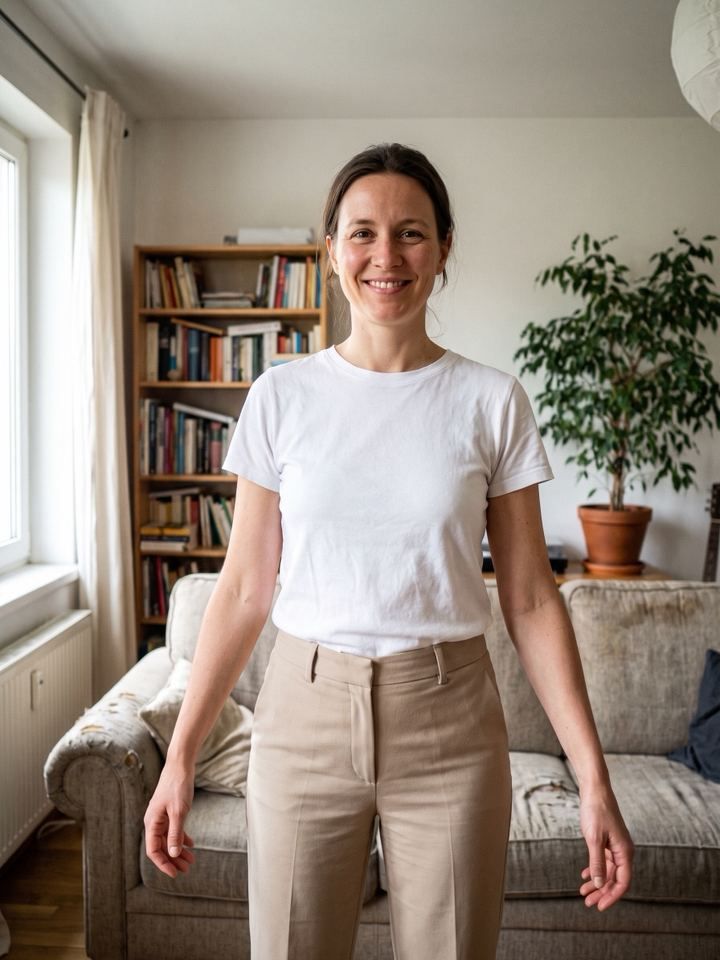
Each result came from the original on the left: three from the plain requests shown, two from templates.
Words, a brush or a reference photo
| Way to edit | Type or say it | Select area | Reference photo |
|---|---|---|---|
| Best for | Any change you can describe | Changing one spot and nothing else | Something specific: a jacket, a place, a style |
| How | Write it, or tap the microphone | Brush over the area, then say what to do | Attach up to 3 photos, then say how to use them |
| Cost | 1 credit | 1 credit | 1 credit |
What it costs and what it can’t do
What it costs
- 1 credit per edit. The price shows before you tap.
- New users get a free starter credit.
- Failed and refused edits are never charged, and neither is an edit you cancel before it’s delivered.
- Redo free when a result misses, up to 3 times in any 7 days.
What it can’t do
- AI can change more than you asked. Touch and hold to compare with the version before, and use Select area to keep the rest untouched.
- Explicit, hateful or deceptive edits are refused, like forged IDs, documents or payment screenshots. Refused requests are free.
- It edits one photo at a time. Every edit is saved as a version you can go back to.
- It needs a connection. The photo is uploaded only after you allow it.
Editing by typing: questions
What can I ask for?
Most changes you can describe: clothes, hair, colors, light, the background, things to add or remove. Explicit, hateful and deceptive edits are refused and never charged.
Do I need special words?
No. Write it the way you would say it. The app turns your words into instructions for the AI model, so “make it brighter” works.
Can I type or speak in my own language?
Yes. Type it in any language. Type it, or tap the microphone and say it in your iPhone’s language. When your iPhone can recognize it on the device, the audio never leaves your phone. The app itself is in English and 18 other languages.
Can I change just one part of the photo?
Yes. Brush over the area you mean with Select area, and only that part changes.
What does an AI edit cost?
1 credit, whether you type the change, tap a template or pick an AI scene. Animate costs 10 credits for a Quick Video and 56 for a Studio Video, about 5 seconds each. The price shows before you tap.