
How do I make product photos for my shop on iPhone?
Use OutGlam. Photograph the product straight on, then tap Templates › Product to put it on white, on marble or in a lifestyle scene, made to keep its shape, label and text as they are. Each AI scene costs 1 credit; cutting out the background, adding a price and cropping for a shop listing are free.
Updated October 5, 2026
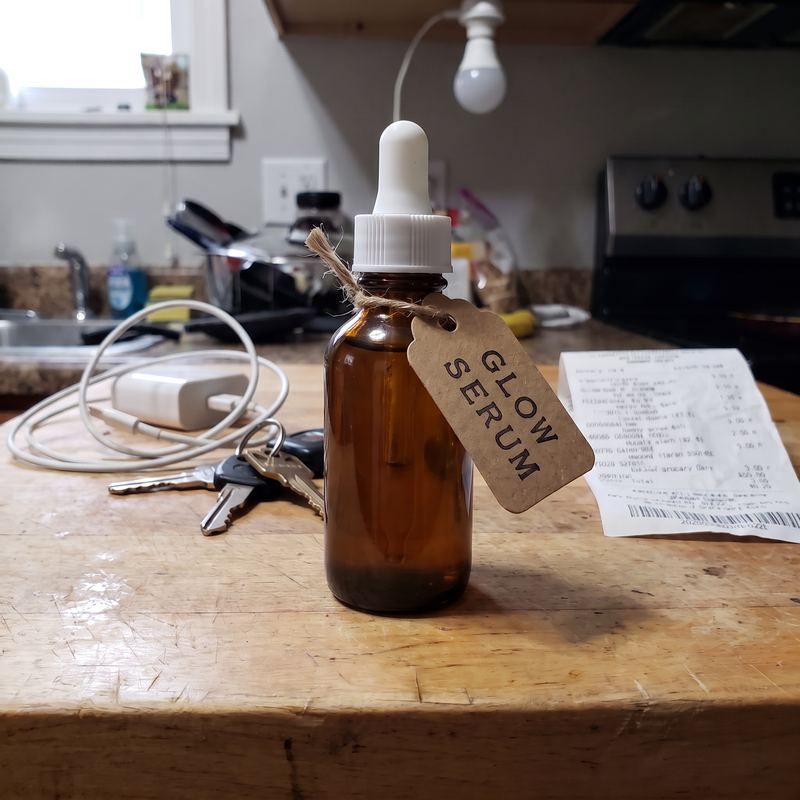
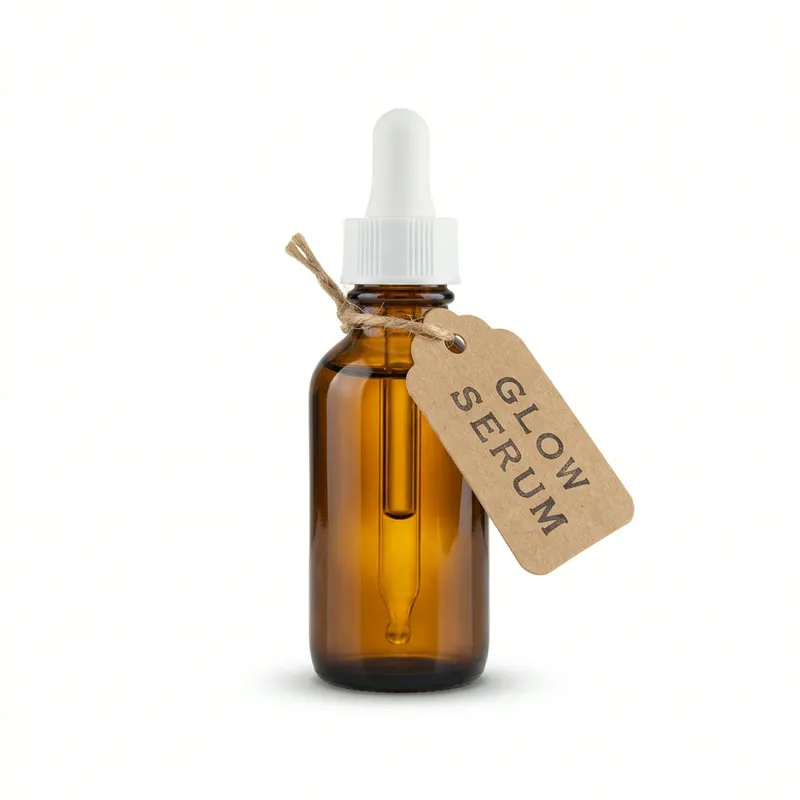
From kitchen table to listing in 4 steps
Photograph the product
Straight on, filling most of the frame, in good light. Anywhere will do: the background gets replaced.
Pick a background
Free: tap Background (Remove background on the Home screen) and put it on transparent, white, black or any color. Or tap Templates › Product for White background, Marble and soft light, Lifestyle scene, Outdoors or Floating with shadow, 1 credit each.
Add text and crop
Add a price or a name with the free Text tool, then crop to Square listing, Shop listing, Portrait post or Story.
Save and post
Save to Photos as JPEG, or as a PNG when the background is transparent. If an AI scene misses, redo it free, up to 3 times in any 7 days.
Five listings from one photo
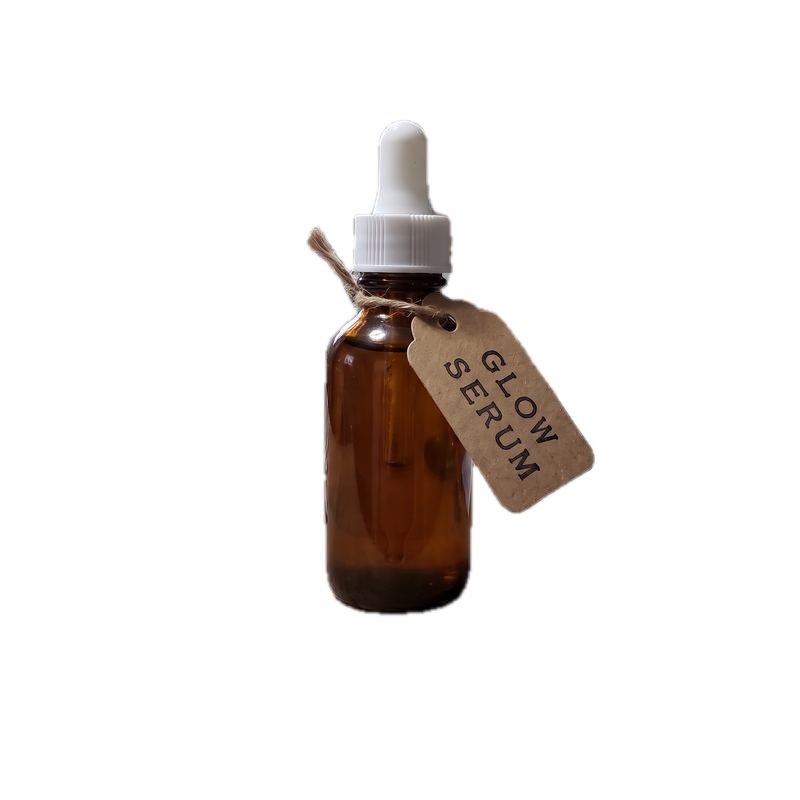
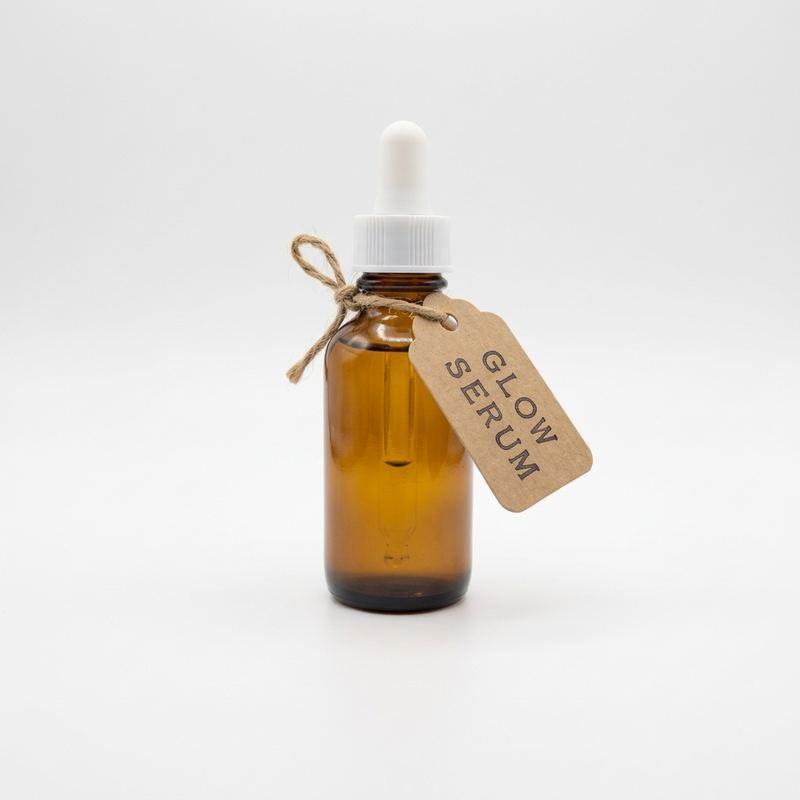
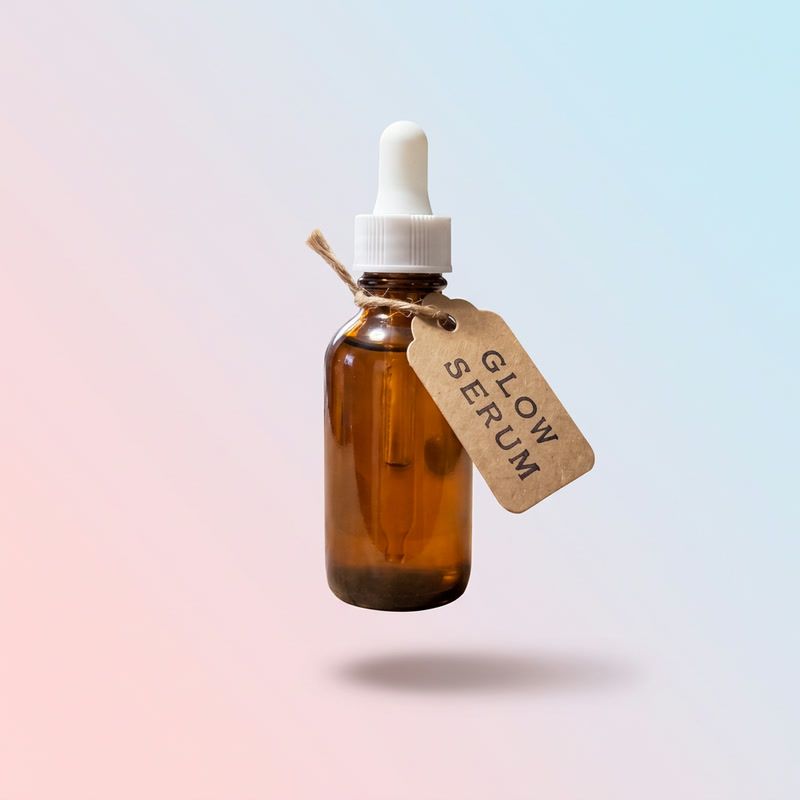
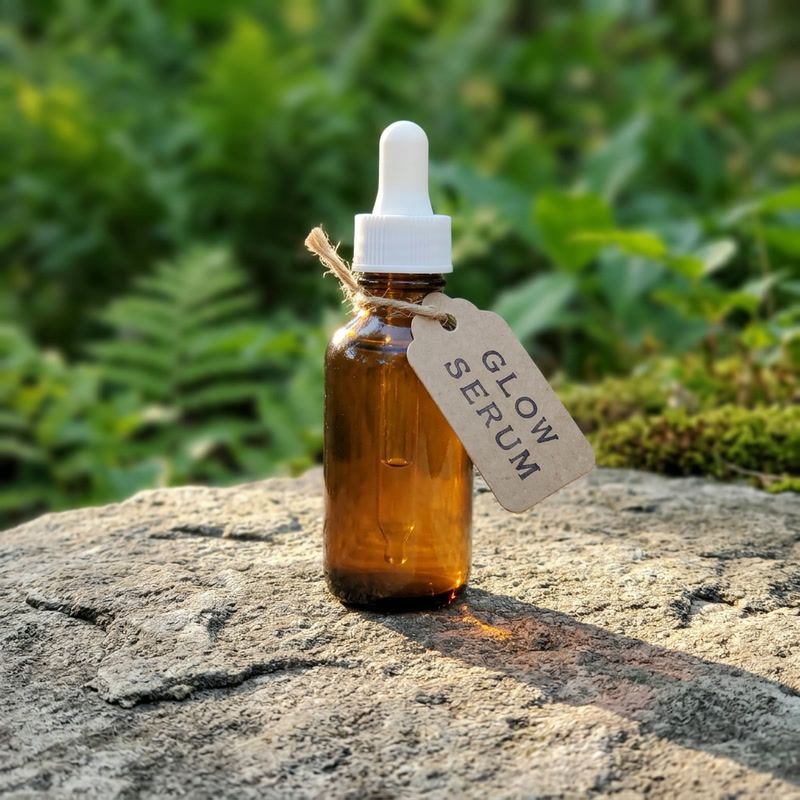
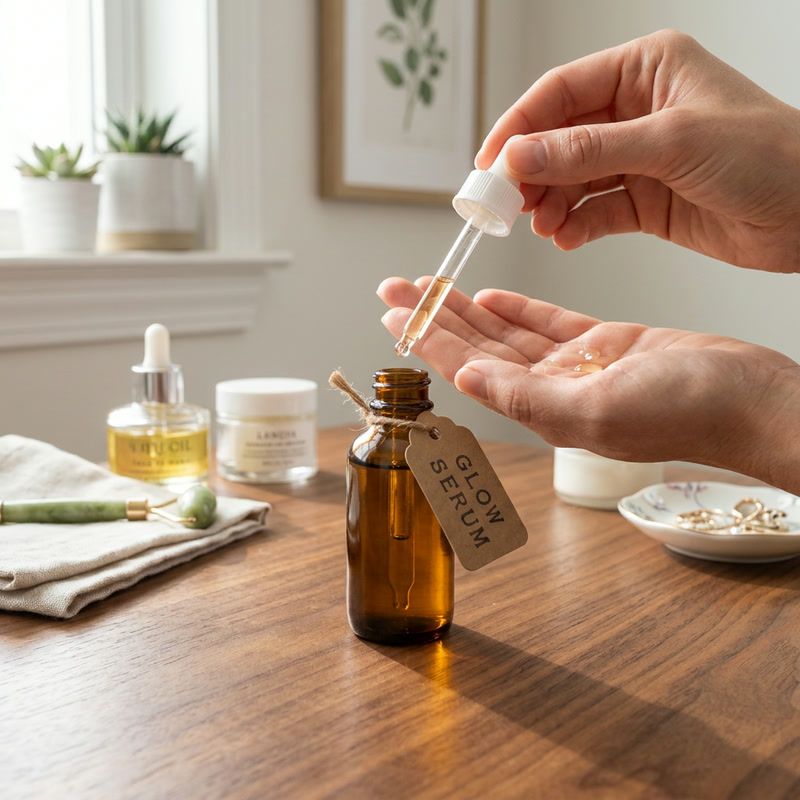
Every image below came from the cluttered photo on the left: one cut-out made free on the device and four scenes from the product templates.
Which one to use
| Option | Background (free tool) | AI scene |
|---|---|---|
| What you get | Your photo of the product on transparent, white, black, a color, a blur or your own photo | A new photo of the product on white, marble, outdoors or in use |
| Your pixels | Unchanged: only the background goes | Redrawn, made to keep the shape, colors, label and text |
| Runs | On your iPhone, no connection needed | On our server and AI providers |
| Cost | Free | 1 credit |
What it costs and what it can’t do
What it costs
- Cut-outs, text and crops are free, with no limit.
- 1 credit per AI scene. The price shows before you tap.
- New users get a free starter credit.
- Failed and refused edits are never charged, and neither is an edit you cancel before it’s delivered.
What it can’t do
- AI scenes redraw the photo. Check the label and small print before you post.
- Two templates write fixed English text: Sale banner writes “SALE” and “Limited time”; New arrival writes “NEW ARRIVAL”. Type your own words for anything else.
- One product per photo works best for the scene templates.
- AI scenes need a connection. The cut-out, text and crop work offline.
Product photo questions
Is it free to make product photos?
Cutting out the background, adding text and cropping are free and run on your iPhone. AI scenes, like marble, outdoors or a lifestyle setting, cost 1 credit each.
Will it keep my label and logo?
The product templates are made to keep the product’s shape, colors, label, logo and printed text the same, sharp and legible. AI redraws the photo, so check the small print before you post.
Can I get a transparent PNG?
Yes. In Background, choose None for a transparent background; the photo then saves as a PNG.
Which sizes can I crop to?
Square listing, Shop listing, Portrait post (4:5) and Story (9:16), plus ratios like 1:1, 3:4, 2:3 and 16:9.
Can I add a price or a sale tag?
Yes, with the free Text tool: 10 fonts, any color, a background and a shadow. For 1 credit, the Sale banner template writes “SALE” and “Limited time”, and New arrival writes “NEW ARRIVAL”.

Your shop, better photos.
Cut-outs, text and listing crops are free. AI scenes cost 1 credit.
Download on theApp Store