HD
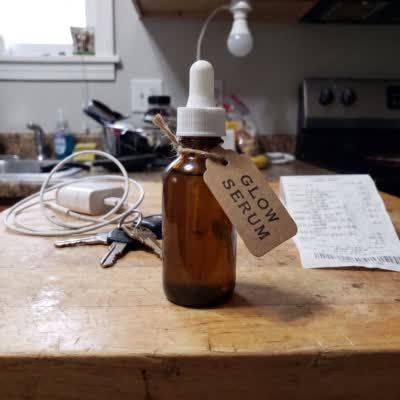
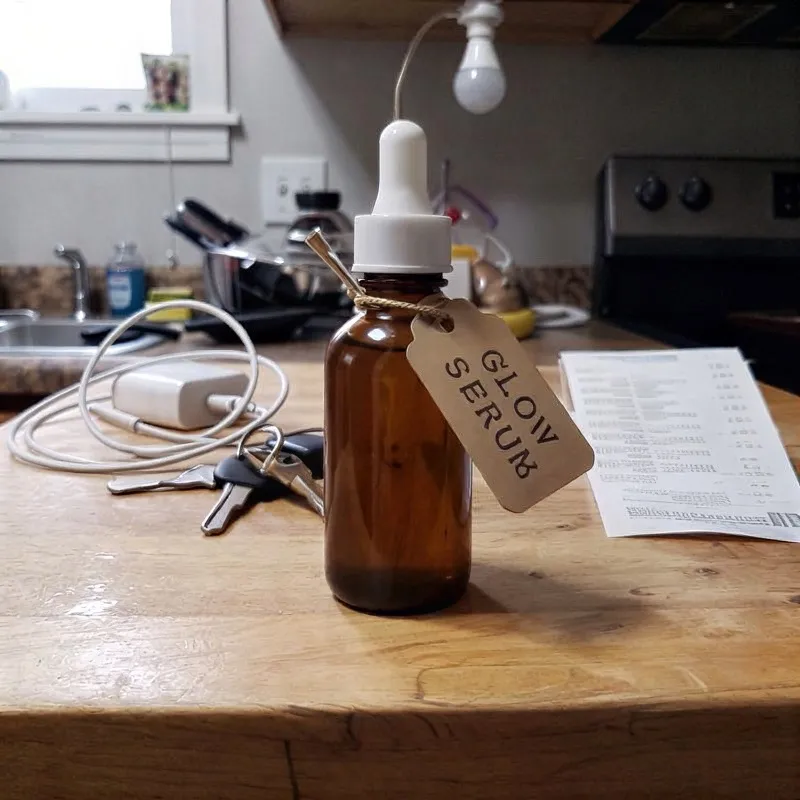
A 400-pixel photo, doubled to 800 with sharper edges and a readable label.
Free daily
Use HD in OutGlam: it doubles a photo’s width and height and adds detail, free within a daily limit. If the photo is out of focus rather than small, the Sharpen a blurry photo template recovers detail in faces and edges for 1 credit, and Restore an old photo repairs scratches and fading.
Updated October 5, 2026
A small download, an old scan or a shaky shot. Limited photo access works.
HD doubles the width and height, up to 4096 pixels on the long side. Free within a daily limit. Each free use comes back 24 hours after you used it, and the app shows when.
Templates › Fix: Sharpen a blurry photo, Restore an old photo, Colorize black and white or Fix a dark photo. 1 credit each.
Touch and hold to compare with the version before. If a fix misses, redo it free, up to 3 times in any 7 days.
Press and hold a photo, or tap it, to see the original.
A 400-pixel photo, doubled to 800 with sharper edges and a readable label.
An out-of-focus selfie with the detail back in the face, hair and sweater.
A faded family print with the color, contrast and detail brought back.
| Tool | HD | Sharpen a blurry photo | Restore an old photo |
|---|---|---|---|
| Best for | A photo that is too small | A photo that is out of focus | A faded, scratched or torn print |
| What it does | Doubles width and height, up to 4096 px | Recovers detail in faces, edges and textures | Repairs damage, reduces grain, brings back contrast |
| Cost | Free daily | 1 credit | 1 credit |
Yes. Free within a daily limit. Each free use comes back 24 hours after you used it, and the app shows when.
Twice the width and twice the height, up to 4096 pixels on the long side.
HD makes a small photo bigger with more detail. Sharpen a blurry photo (1 credit) is for a photo that is out of focus, recovering detail in faces, edges and textures.
Yes. Restore an old photo repairs scratches, tears, stains and fading, and Colorize black and white adds natural color. Each costs 1 credit.