
What can I do for free in OutGlam?
Crop, Adjust, Filters, Text and Background (the background remover) are free in OutGlam, with no credits and no limit, and they run on your iPhone. Erase and HD are free within a daily limit. Only AI edits, templates and Animate use credits, and photos edited only with the free tools never get a watermark.
Updated October 5, 2026
Edit free in 4 steps
Pick a photo
From your library or camera. Limited photo access works.
Choose a tool
Crop, Adjust, Filters, Text or Background. None of them uses credits.
Make it yours
Every change is saved as a version, so you can step back at any time.
Save it
To Photos as JPEG, or PNG when the background is transparent. No watermark.
What each one does
The first five run on your iPhone, need no connection and have no limit.
Crop and resize Free
Original, square and common ratios (4:5, 3:4, 9:16, 16:9, 2:3, 3:2), plus Square listing, Shop listing, Portrait post and Story. Rotate, flip and straighten.
Adjust Free
Auto, exposure, brightness, contrast, saturation, vibrance, warmth, tint, highlights, shadows, sharpness and vignette.
Filters Free
12 filters (Natural, Vivid, Warm, Cool, Film, Fade, Mono, Noir, Golden, Teal & Orange, Matte, Chrome), each with an intensity slider.
Text Free
10 fonts, 9 colors or any color, a pill or box background, a shadow, and left, center or right alignment.
Background Free
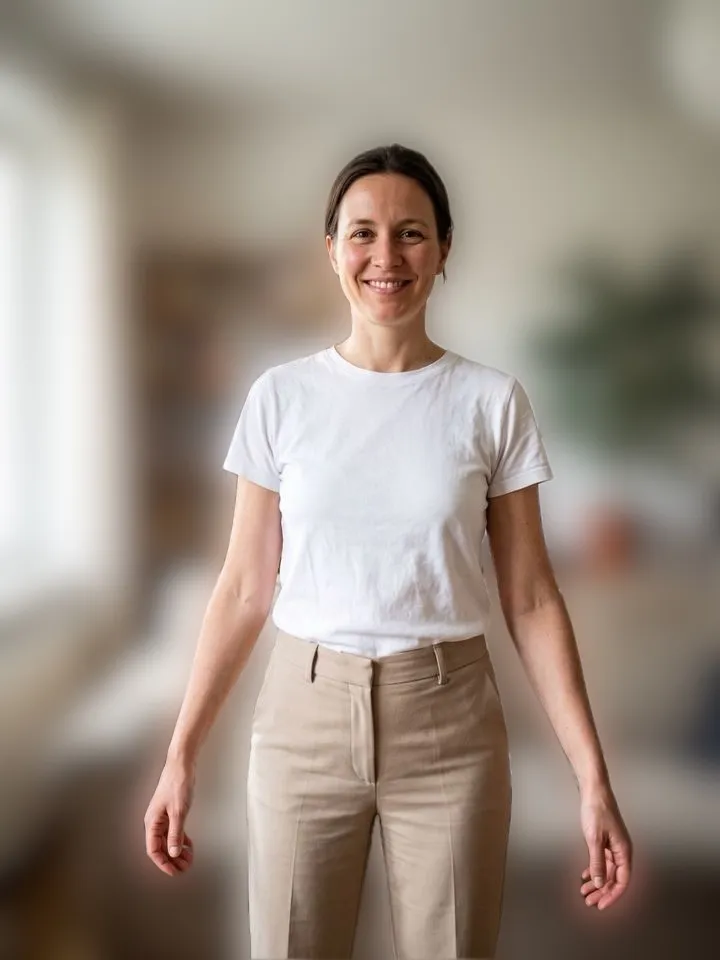
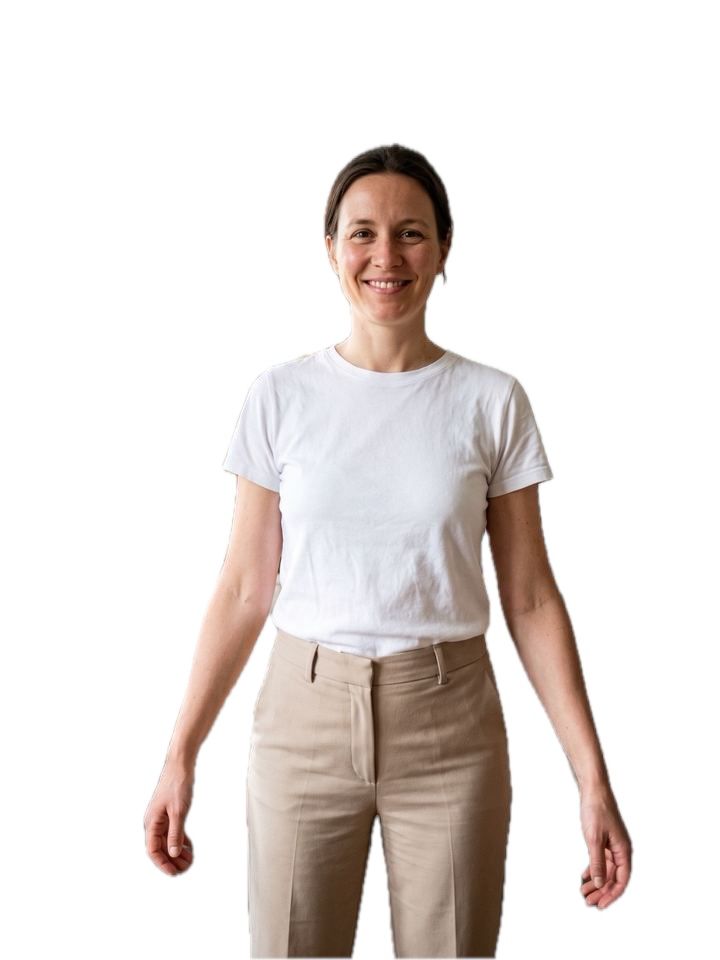
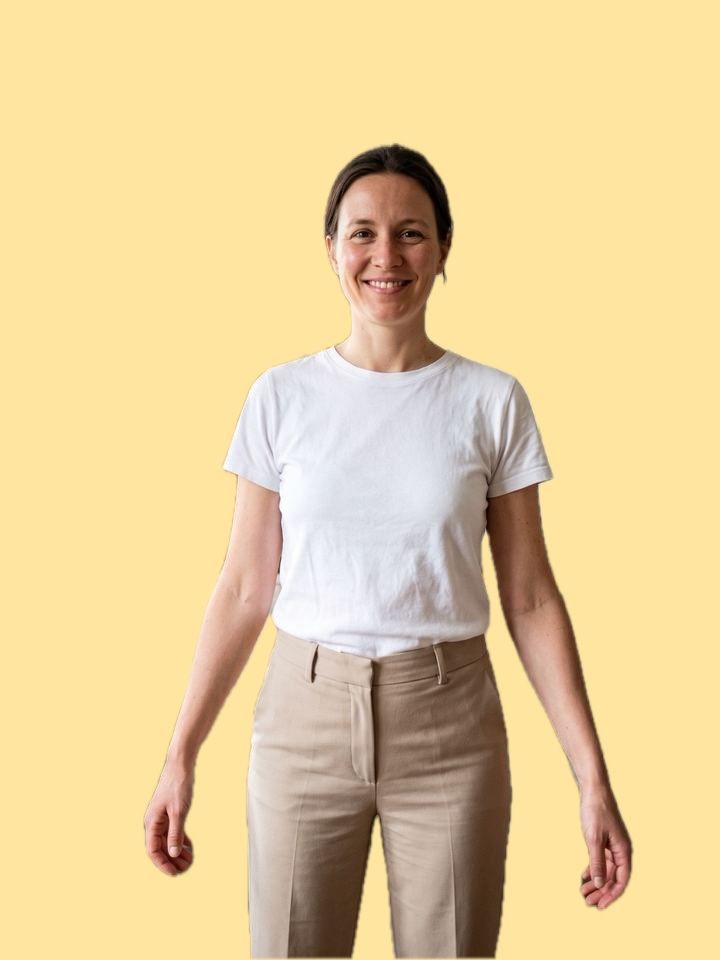
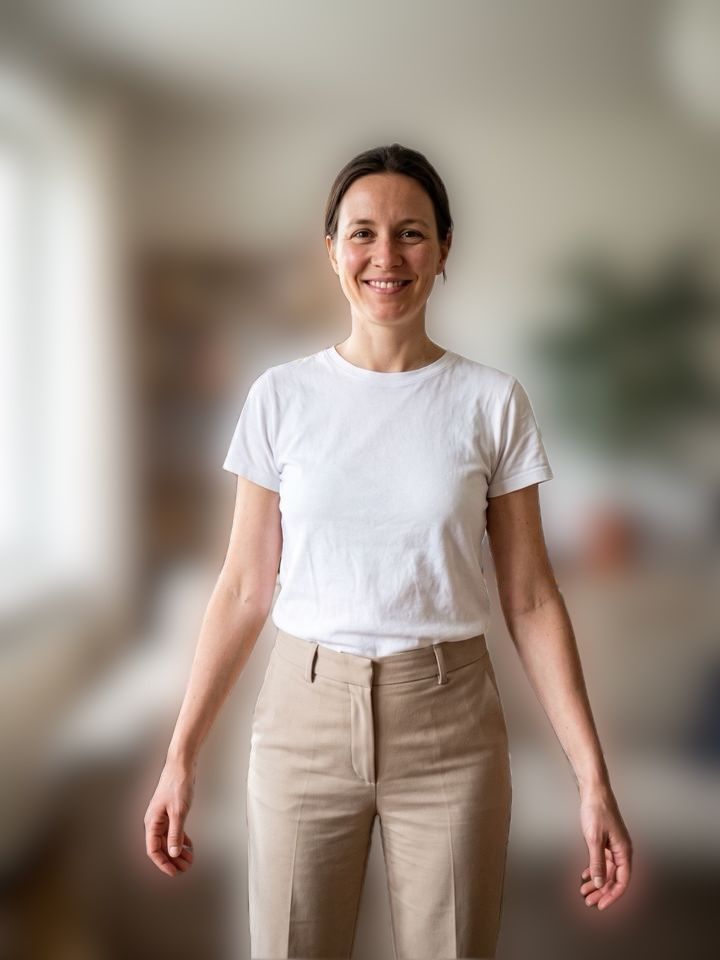
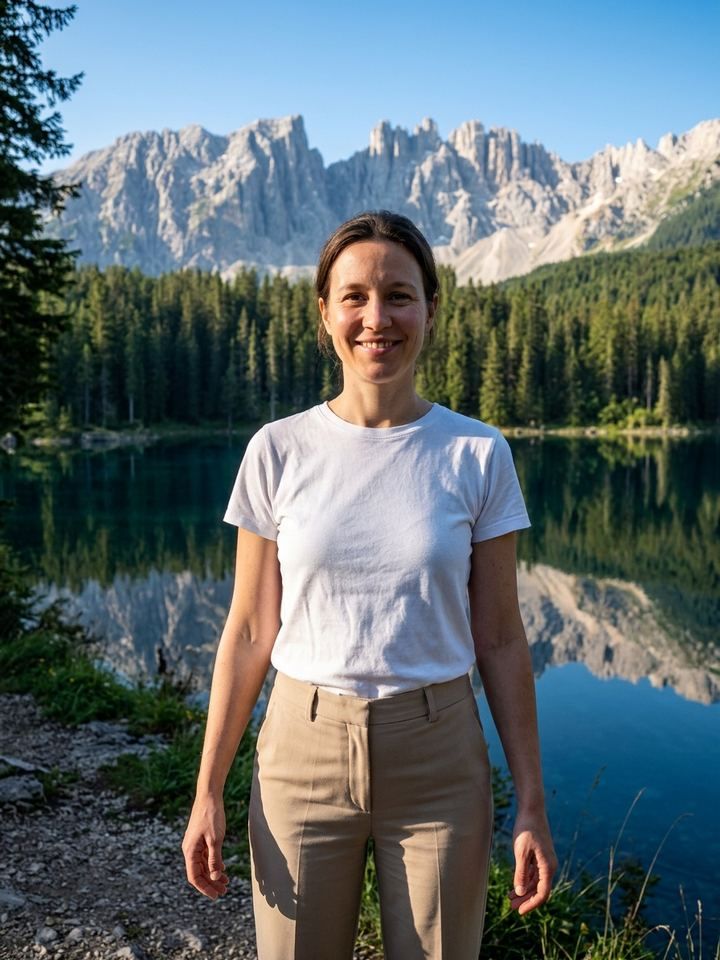
Remove background on the Home screen. None (transparent), white, black, any color, a blur or your own photo. Refine the edges with a brush.
Erase and HD Free daily
Brush out people and clutter, or double a photo’s size. Free within a daily limit. Each free use comes back 24 hours after you used it, and the app shows when.
The background remover, four ways
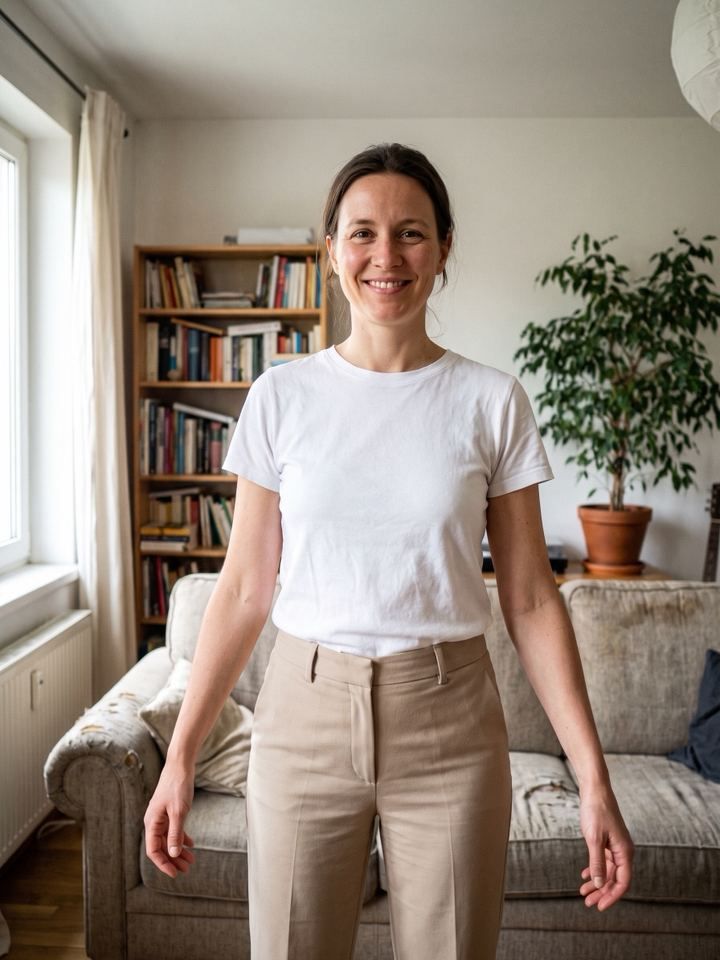
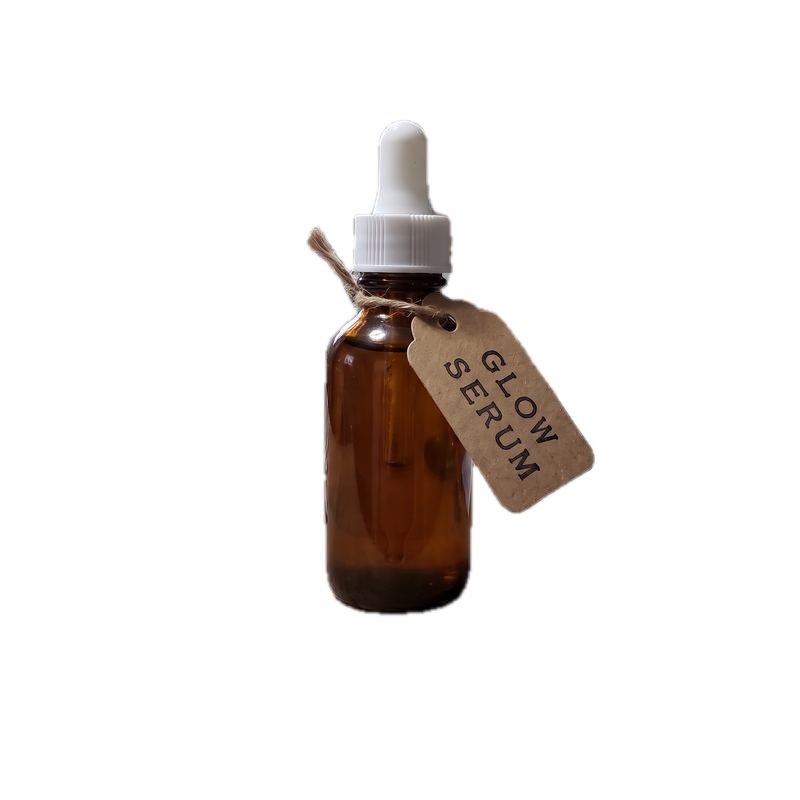
Made on the device from the photos on the left: no credits, no upload.
Free tools and AI edits
| Kind of edit | Free tools | Erase and HD | AI edits and Animate |
|---|---|---|---|
| Includes | Crop, Adjust, Filters, Text, Background | Removing objects, doubling the size | Typed edits, templates, scenes, clips |
| Runs | On your iPhone | On our server and AI providers | On our server and AI providers |
| Limit | None | A daily limit | Your credits |
| Watermark | Never | Not from Erase or HD (an AI edit keeps its mark) | Can have one until your first purchase |
| Cost | Free | Free daily | From 1 credit |
What it costs and what it can’t do
What it costs
- Crop, Adjust, Filters, Text and Background: free, no limit.
- Erase and HD: free within a daily limit; each free use comes back 24 hours after you used it.
- AI edits: 1 credit each, shown before you tap.
- New users get a free starter credit.
What it can’t do
- Free tools don’t invent anything. New outfits, scenes or fixes are AI edits, 1 credit each.
- Erase and HD have a daily limit; each free use comes back 24 hours after you used it, and the app shows when.
- Erase and HD need a connection. The other free tools work offline.
- It’s an iPhone app. There is no Android version and no web editor.
Free tool questions
Do the free tools use credits?
No. Crop, Adjust, Filters, Text and Background never use credits and have no limit. Erase and HD are free within a daily limit.
Do the free tools add a watermark?
No. Photos you edit only with the free tools save without one. Erase and HD don’t add one either, though a photo that was made with an AI edit keeps its mark until your first purchase.
Do they work offline?
Crop, Adjust, Filters, Text and Background do: they run on your iPhone and upload nothing. Erase and HD need a connection.
Do I need an account?
No. There is nothing to sign up for. The app creates a random ID on your phone the first time you open it.


Free to download. Free to edit.
The everyday tools need no credits and no account. For iPhone.
Download on theApp Store